Independent Consultants
You manage client deliverables across several projects and need a clearer way to balance focused work with real deadlines.
Steady Week
Use practical planners and an importable Todoist template to review your backlog, protect a buffer, and make clearer decisions about unfinished work.
Realistic Todoist Planning Kit — 5 PDF resources + 1 importable CSV template.
The core problem
If unfinished tasks keep moving into tomorrow, the problem may begin before you start working: you are committing to more than your day can hold.
We call this Capacity Blindness. You treat open calendar space as usable focus time, even though routine messages, transitions, and other working demands still need room.
An eight-hour workday does not mean eight hours for the tasks on your list. When your Todoist plan assumes otherwise, even a busy, productive day can end with a wall of overdue dates.
Labels and filters can make work easier to organize. They cannot create the extra hours an overloaded plan requires. The missing step is checking your capacity before deciding what belongs in your week.
The opportunity
Subtract first. Commit second.
Start with your working hours. Account for fixed commitments, estimate the usable focus time that remains, and reserve buffer before selecting tasks.
Your numbers will differ. Count each time cost once, and adjust your estimates using what actually happens during your week.
Work that does not fit needs a decision: clarify it, reduce its scope, defer it for a deliberate review, delegate it where possible, or discuss the deadline. When a new request arrives, you can see what accepting it would displace.
You still have unexpected days. You also have a repeatable way to respond.
8 hworking hours
− 4 hfixed responsibilities
= 4 hopen hours
≈ 3 husable focus time after routine overhead
− 1 hbuffer reserved
= 2 havailable for planned task commitments
Who this is for
You manage client deliverables across several projects and need a clearer way to balance focused work with real deadlines.
You handle incoming requests and need to compare team commitments with the capacity available for your own tasks.
You juggle varied responsibilities and want a practical routine for reviewing your backlog and choosing what fits next.
This kit is designed for people who already use Todoist and are willing to review tasks, estimate effort, and adjust their plans.
Use a short daily review to decide what still matters and where unfinished work belongs.
Account for fixed commitments and ordinary overhead before selecting additional tasks.
Reserve buffer so your plan has some flexibility when delays and new demands appear.
Keep future work available for review without treating every open task as something you must finish today.
Inside the kit
The kit makes three decisions visible: how much work you can reasonably take on, which tasks deserve that space, and what changes when something new arrives. Preview the Capacity Planner to see how the time estimate is built. Look inside the Week Planner to see how commitments and tradeoffs are recorded. Explore the reset workflow to see how unfinished tasks receive a deliberate next step.
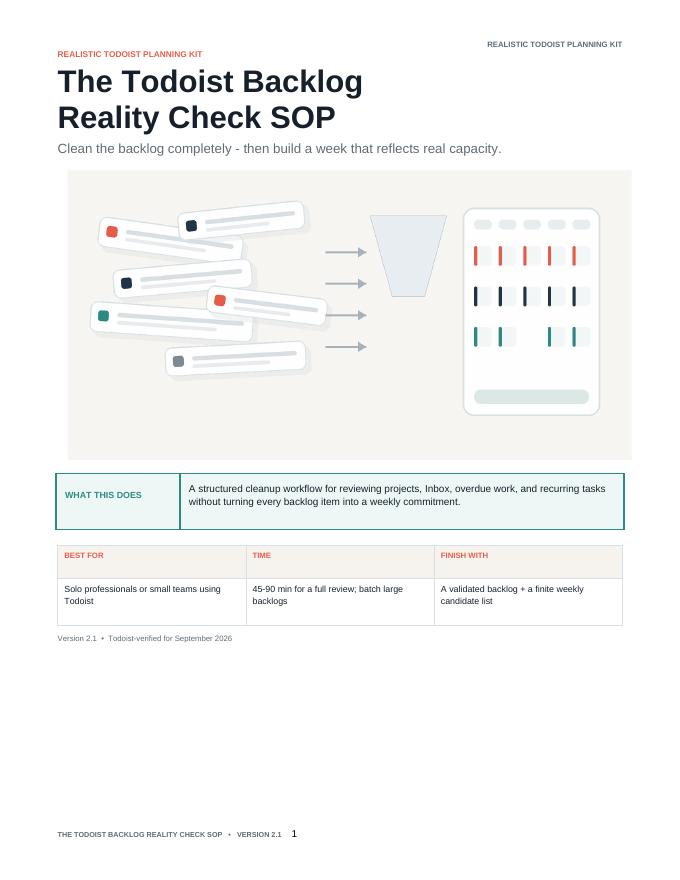
A step-by-step review guide for overdue tasks, Inbox items, projects, and recurring responsibilities.
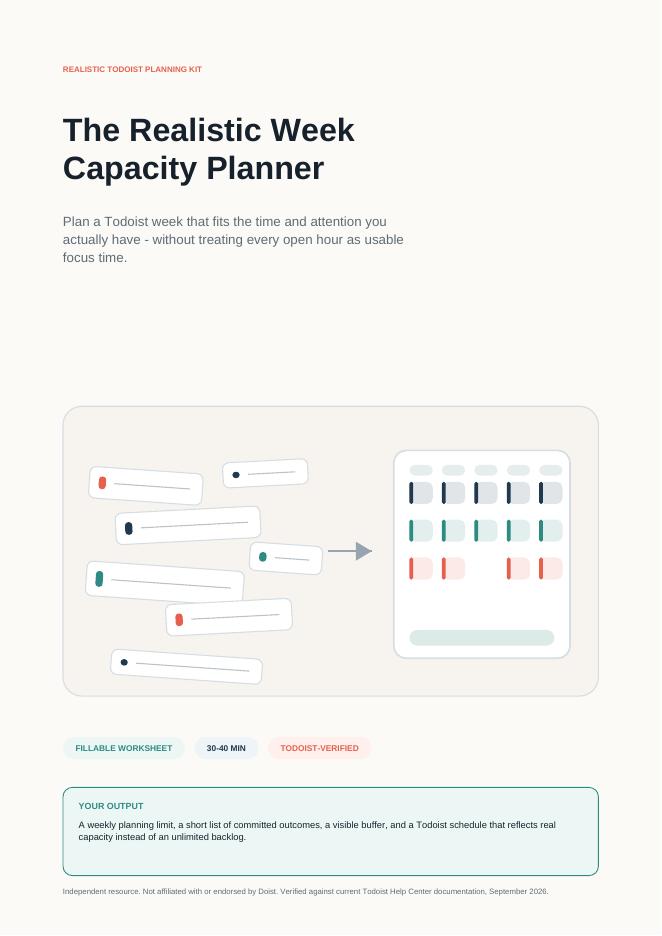
A PDF worksheet for estimating usable focus time and reserving buffer.
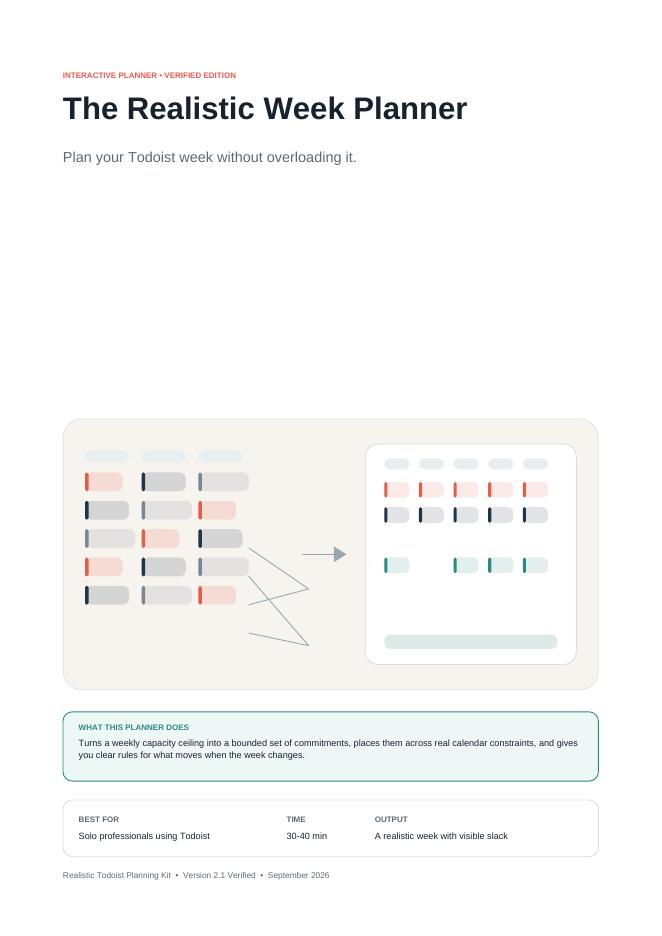
A PDF planner for selecting weekly commitments, keeping deadlines visible, and making tradeoffs when requests arrive.
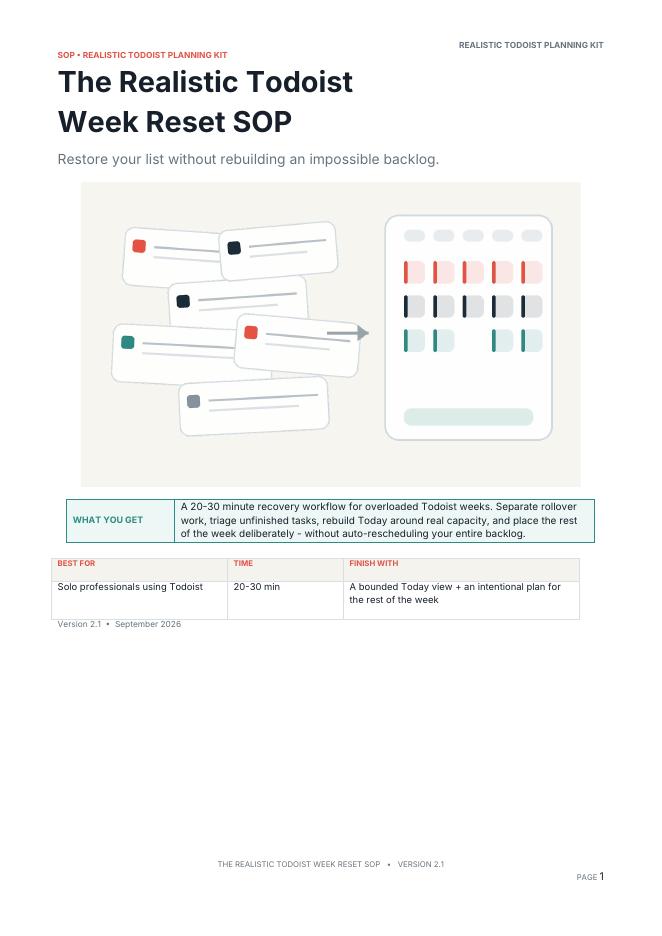
A recovery workflow that includes the short daily rollover reset routine.
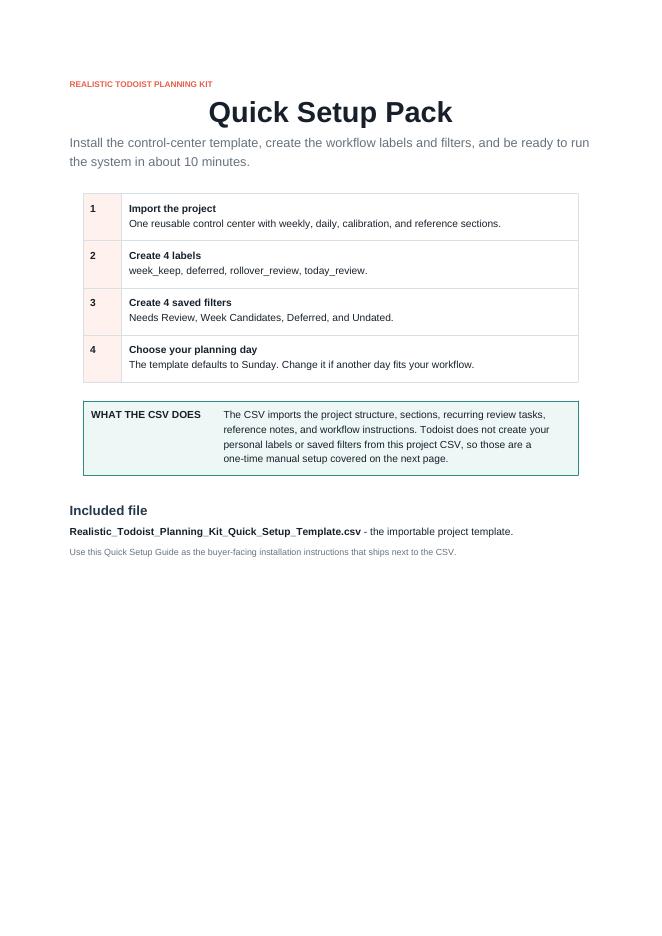
Instructions for putting the planning resources and Todoist template together.
A starting structure for your planning and review routines, with sections for setup, the daily reset, the weekly reset, and capacity planning. Your real work stays in its existing projects.
A client proposal needs work before Friday.
A research idea can wait for a later review.
A recurring admin task needs capacity of its own.
A vague “update website” reminder needs a specific next action before it can be estimated.
The backlog review helps you distinguish those decisions instead of moving every item to tomorrow together.
The thinking behind the kit
The Realistic Todoist Planning Kit is built around a practical constraint: a well-organized list can still contain more work than a week can hold.
Rearranging projects and changing priorities can help you see the work. You also need a way to decide how much of it to commit to now.
The kit connects that decision to your available time. Review what is already on your plate, estimate your usable capacity, reserve buffer, and select work that fits the estimate.
Then return to the plan as circumstances change. A daily reset helps you reconsider unfinished tasks. A weekly review helps you improve your estimates. A tradeoff worksheet helps you see the consequence of saying yes to new work.
The result is a repeatable planning routine you can use alongside your existing Todoist projects. It supports your decisions; it does not automate them or make an excessive workload disappear.
How it works
Use the Backlog Reality Check SOP to review projects, Inbox items, overdue tasks, and recurring responsibilities. Clarify what still matters and give future work a deliberate place to be reviewed.
Open the Realistic Week Capacity Planner. Account for fixed commitments, estimate the focus time left after ordinary overhead, and reserve buffer before choosing additional tasks. Count each time cost once.
Use the Realistic Week Planner to choose commitments that fit your estimated capacity. Keep real deadlines visible. If a new request arrives, use the tradeoff worksheet to decide what needs to change before you accept more work.
Follow the Week Reset SOP to review unfinished tasks and choose their next step. Use the short daily reset for routine adjustments and the broader recovery workflow when your plan needs more attention.
The investment
Backlog Reality Check SOP: A step-by-step review guide for overdue tasks, Inbox items, projects, and recurring responsibilities.
Realistic Week Capacity Planner: A PDF worksheet for estimating usable focus time and reserving buffer.
Realistic Week Planner: A PDF planner for selecting weekly commitments, keeping deadlines visible, and making tradeoffs when requests arrive.
Week Reset SOP: A recovery workflow that includes the short daily rollover reset routine.
Quick Setup Guide: Instructions for putting the planning resources and Todoist template together.
Importable Todoist CSV Control-Center Template: A starting structure for your planning and review routines.
One-time purchase. 5 PDF resources + 1 CSV template. Digital download.
Get The Realistic Todoist Planning Kit — $29.99Clear expectations
Digital resources you can use to review your workload and build a more realistic weekly plan: five PDF resources and one importable CSV control-center template.
You enter the estimates, choose the commitments, and decide what changes when the week shifts.
The kit does not automatically clean your backlog, reschedule your existing tasks, or calculate your available time for you. Setup and backlog review require your attention, and a large backlog may take several sessions.
If your obligations consistently exceed your available hours, the worksheets can help make the conflict visible. Resolving it may also require changing scope, discussing deadlines, or getting support.
The purpose is to help you make those decisions earlier and with clearer information.
Your plan accounts for meetings and recurring responsibilities. You have estimated the focus time available and left some room for uncertainty. Future ideas still have a place, but they are not all competing in today's list.
When an unexpected request arrives, you check the time remaining and decide what accepting it would change. You might use available buffer, reduce the scope of another task, move flexible work, or discuss the new deadline.
At the end of the day, some work may still be unfinished. You review it and choose a next step rather than automatically moving everything forward.
A calmer shutdown does not require an empty backlog. It starts with knowing what you committed to, what changed, and what happens next.
Common concerns addressed
Unpredictability is a reason to leave room in the plan and review it regularly. Choose a buffer that reflects your work, then adjust it based on experience. When incoming work exceeds that room, use the tradeoff worksheet to decide what needs to change. No single buffer percentage fits every role or week.
The kit focuses on a few repeatable decisions: review your tasks, estimate capacity, select commitments, and reset. The CSV template provides a planning structure alongside your existing projects. You still need to use the routine; adding the template alone does not change your workload.
Start with manageable batches. Focus first on identifying current commitments and real deadlines, then continue the wider review in later sessions. Record where you stopped and when you will return to deferred work.
This kit links the worksheets to a daily reset and weekly review. That gives you a way to return to the plan when circumstances change. It is most useful if you are willing to make estimates, review them, and take action when the work does not fit.
Frequently asked questions
Five PDF resources and one importable Todoist CSV template: the Backlog Reality Check SOP, Realistic Week Capacity Planner, Realistic Week Planner, Week Reset SOP, Quick Setup Guide, and control-center template.
No. The daily reset is included in the Week Reset SOP, and the new-request tradeoff worksheet is included in the Realistic Week Planner. The CSV template is also included in the kit price.
No. It provides a structured decision workflow. You review your tasks, estimate capacity, and choose what to change. The template supports the routine without automatically reorganizing your existing projects.
No. You enter your own estimates and use the worksheet steps to work out a planning limit. Review those estimates against your actual week and adjust them over time.
It depends on your current setup and the size of your backlog. Start with the Quick Setup Guide and work through the review in manageable sessions. Your first setup will usually need more attention than a routine daily reset.
The daily rollover reset is designed as a short, approximately five-minute check. A complicated day or a larger recovery review may take longer.
No. It is a separate planning toolkit to use alongside your Todoist account. A Todoist subscription is not included. Check your account's current project limits and available features before importing the template or using optional features described in the guide.
Yes. The control-center template is intended to work alongside your existing projects. Follow the Quick Setup Guide for importing it and connecting the review routine to your current tasks.
No planning kit can guarantee that. This kit helps you make more realistic commitments and gives you a process for reviewing work that remains unfinished. Real deadlines may still require a conversation about scope, timing, or support.
The kit is offered here as a one-time purchase of $29.99.
5 PDFs + 1 CSV — $29.99, one-time purchase. Digital download.
Get The Realistic Todoist Planning Kit — $29.99